

Why your MacBook desktop Spaces keep rearranging themselves and how to stop it
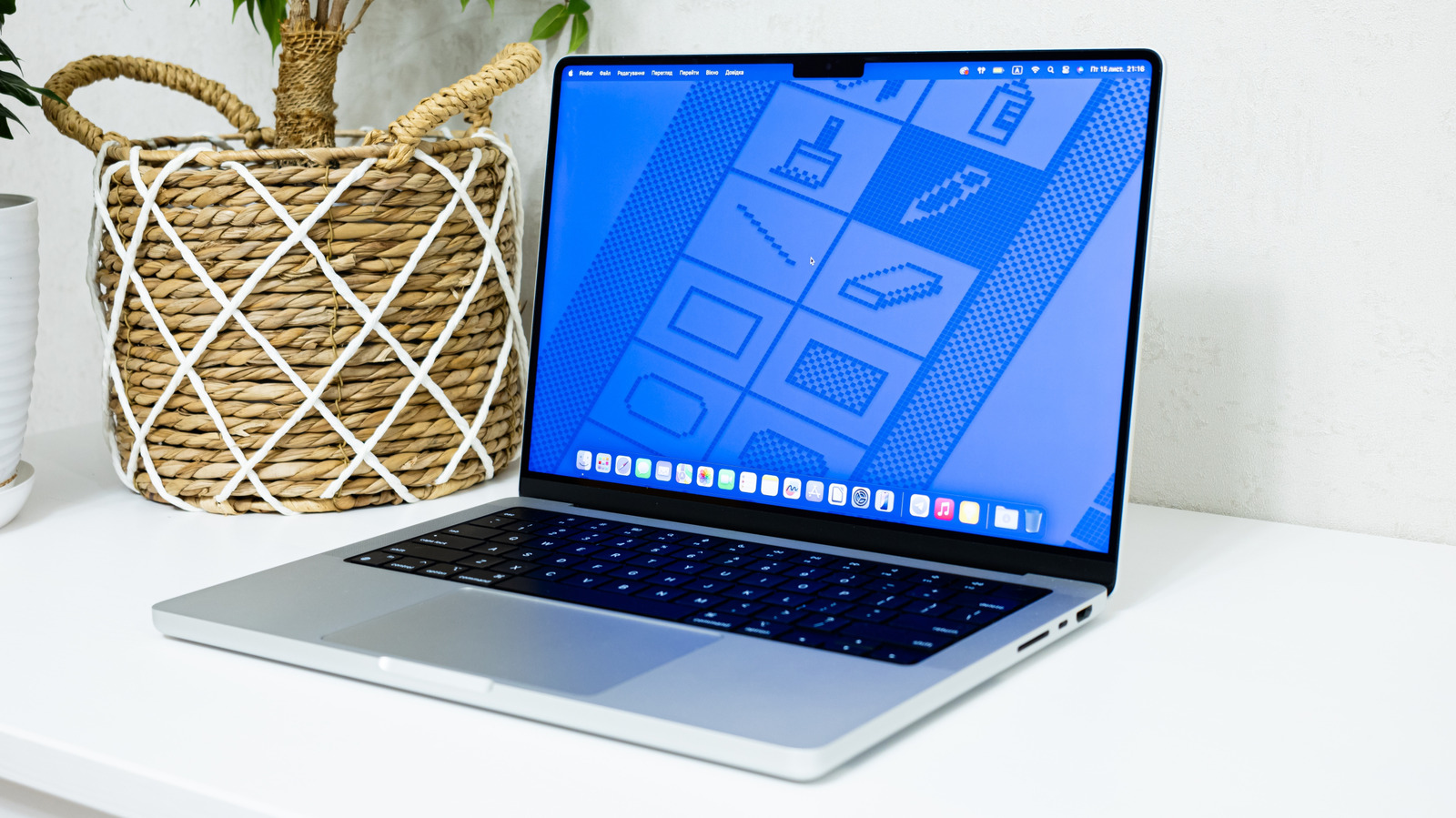
Disable a Mission Control-specific setting to keep Spaces from switching.
🤖 Summarise this story with AI:
This headline and summary come from Engadget’s public news feed. The full article, images and copyright belong to the publisher.
Advertisement
More Technology

Ways you can help your video doorbell stay charged in the winter

Tidal is banning AI-generated music entirely

Real Madrid vs. PSV: Livestream Champions League Soccer From Anywhere

How much does it cost to replace an out-of-warranty Tesla battery?

Arsenal vs. Borussia Dortmund 2026: Livestream Champions League Soccer From Anywhere
